Customer Tab:
You can set specific emails to receive your customer orders on your Customer Tab. This feature is great if you have multiple customers linked to your software all with different sales reps.
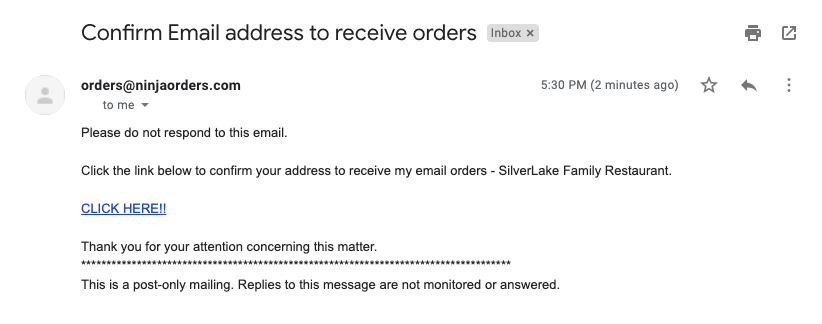
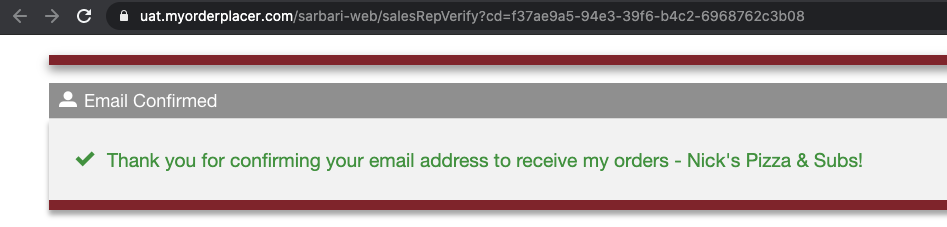
Once you add an address on your Customer Tab an email will be sent to you. Simply click the confirmation link in the email, and you will be all set!
Email to confirm address:
Email address confirmation:
Profile Tab:
You can set default emails to receive orders on your Profile Tab. This feature is great if you have specific email address(es) that all your customer orders should be sent to.
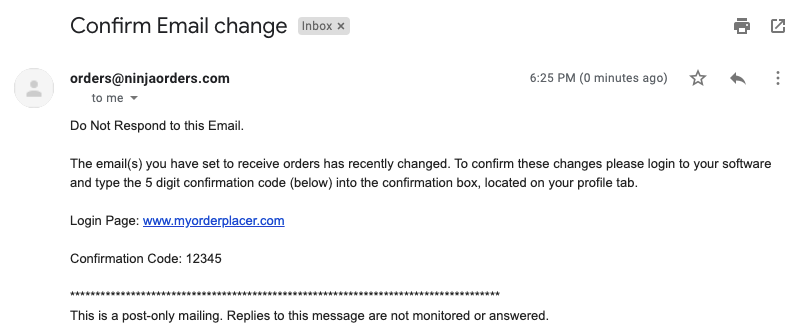
Once you add an address on your Profile Tab an email with a 5 digit code will be sent to you. Simply copy the code, paste it in the confirmation box on the Profile Tab, and then click save.
Few things to note about this feature:
- Each address must be separated with a semi colon (;).
- Any emails confirmed on the "Customer Tab" will trump emails confirmed on the Profile Tab.
- Setup fax orders: Simply input fax number, a 5 digit will be faxed, input code in confirmation box.
- Setup call in orders: Put in number you would like customers to call with orders.
Email to confirm address:
Comments
0 comments
Please sign in to leave a comment.